CASE SETUP GUIDE • GLIDELOCK™ • SAFE HANDLING • DISPLAY CARE

How to Use Your Display Armour Case: Setup, Protection & Display Guide

Display Armour cases are built to do more than just hold your collectibles — they are designed to protect, support and present your carded figures properly. This guide shows you how to unbox, open, insert your figure safely, close the case correctly and display it for long-term protection.

Whether you collect WWF Hasbro, TMNT, Star Wars, MOTU or other MOC lines, correct setup helps you avoid unnecessary handling, reduce display risk, and keep your collection looking clean, centred and collector-grade.

  • Safe UnboxingRemove packaging and bubble wrap without marking the acrylic
  • Controlled AccessOpen and close GlideLock™ panels correctly
  • Careful InsertionPlace figures inside without stressing the card or bubble
  • Long-Term DisplayKeep cases upright, stable and away from direct light

Unboxing Your Display Armour Case

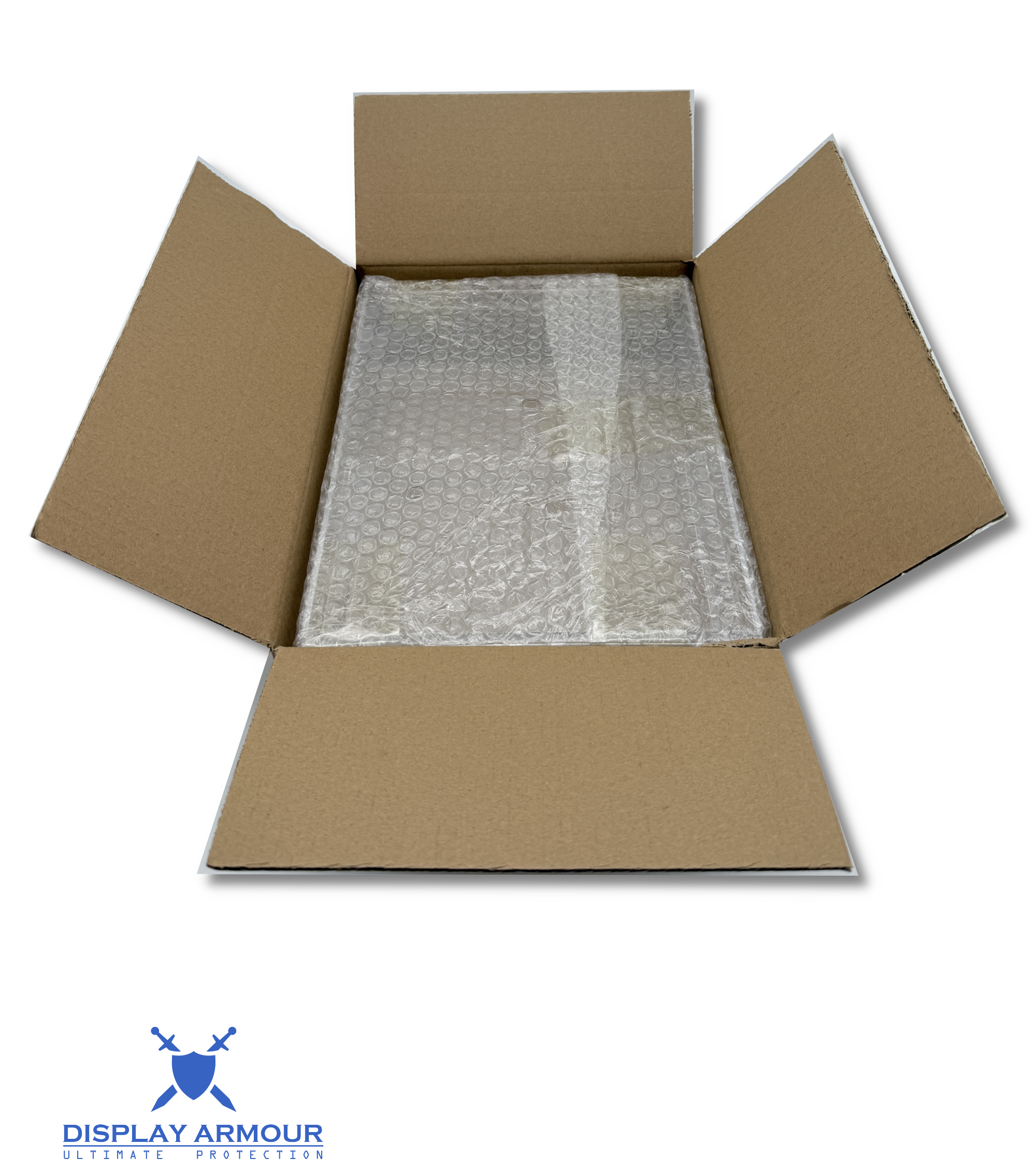
Your Display Armour case is packed to arrive safely, but acrylic should still be handled carefully when first removed from the box. The goal during unboxing is simple: remove the packaging without dragging or scraping the panels, and avoid putting pressure on the case before setup.

Unboxing Checklist

  • Open the outer packaging carefully using a blade away from the acrylic.
  • Remove the case and its protective bubble wrap carefully with both hands.
  • Place the case on a clean, flat surface before handling further.
  • Check all panels are intact and free from transit damage before use.

Collector tip: Always handle the case over a flat surface during setup, especially when removing bubble wrap or opening panels for the first time.

Display Armour case being removed from packaging during unboxing

Remove the case from the box carefully and place it on a clean, flat surface before setup.

Removing the Protective Bubble Wrap

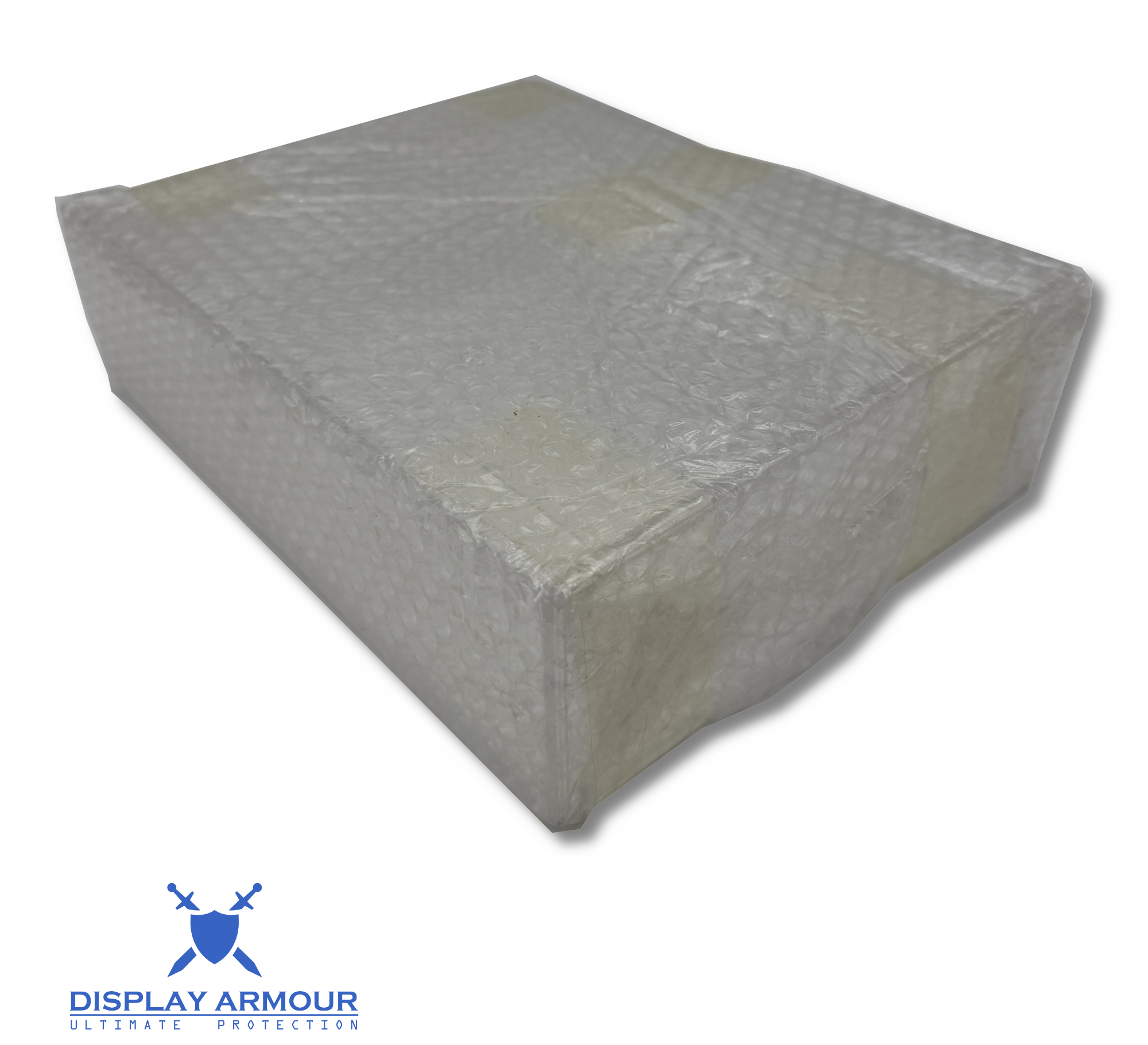
Your Display Armour case is wrapped in protective bubble wrap to help prevent marks and movement during packing and transit. Remove the wrapping carefully to reveal the clear, premium display finish underneath.

Protective bubble wrap being removed from a Display Armour acrylic case

Unwrap the protective bubble wrap slowly and carefully before moving on to setup.

How to Remove the Bubble Wrap Safely

  • Unwrap the bubble wrap slowly and carefully rather than pulling it away too quickly.
  • Make sure all outer protective wrapping has been removed before final setup.
  • Avoid using blades or sharp tools too close to the acrylic panels.
  • Place the case on a clean, flat surface once unwrapped.

Important: Once the bubble wrap is removed, the case is ready for setup and display. Handle the acrylic carefully to keep it clean and clear.

Case Ready After Unwrapping

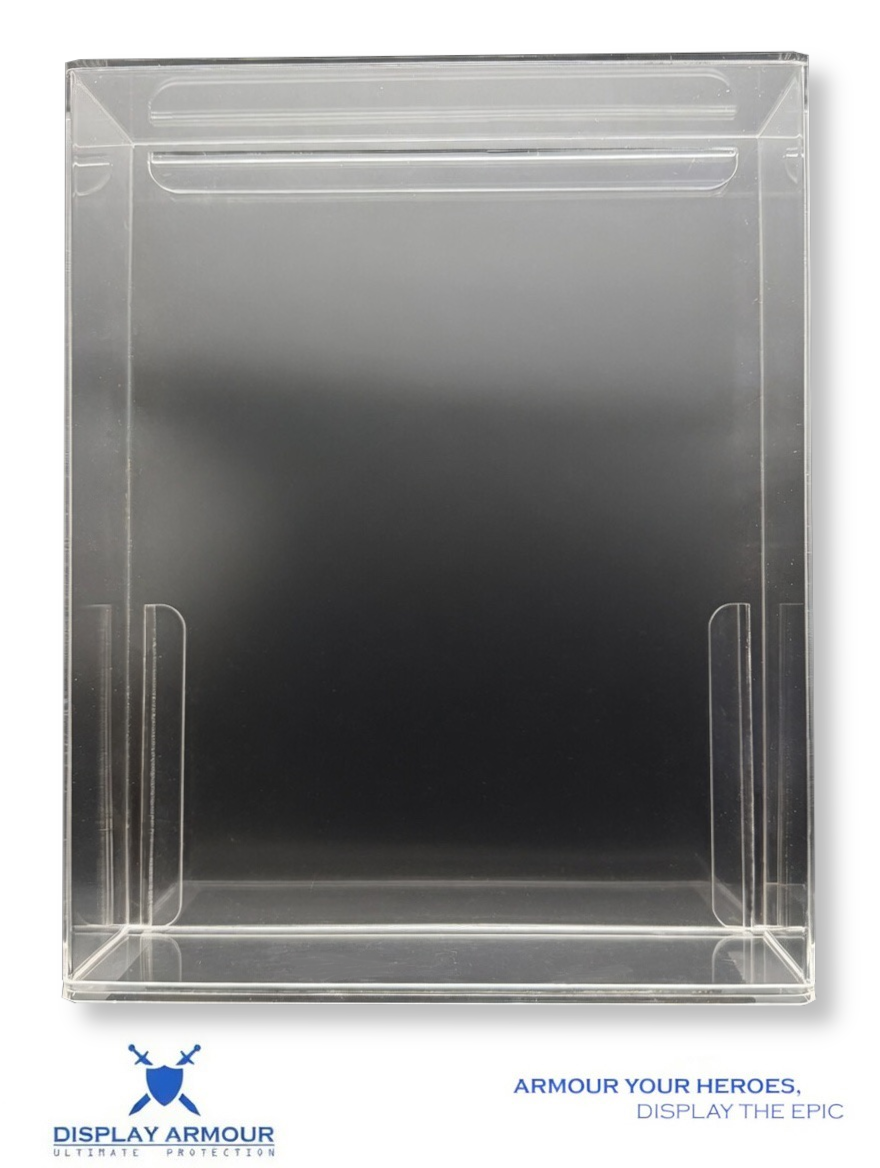
Before opening the case, take a moment to check that it is clean, fully unwrapped and positioned securely on your surface. This gives you the best starting point for a smooth, controlled setup.

Pre-Setup Check

  • Confirm all bubble wrap has been removed.
  • Check the case is sitting flat and stable.
  • Look over the acrylic panels before opening the case.
  • Make sure your figure and work surface are ready before moving to the next step.

Why this helps: A calm, clean setup process reduces the chance of slips, awkward handling or rushed opening.

Display Armour acrylic case unwrapped and ready for setup

Once unwrapped, the case should be clean, stable and ready to open safely.

How to Open the Case Safely

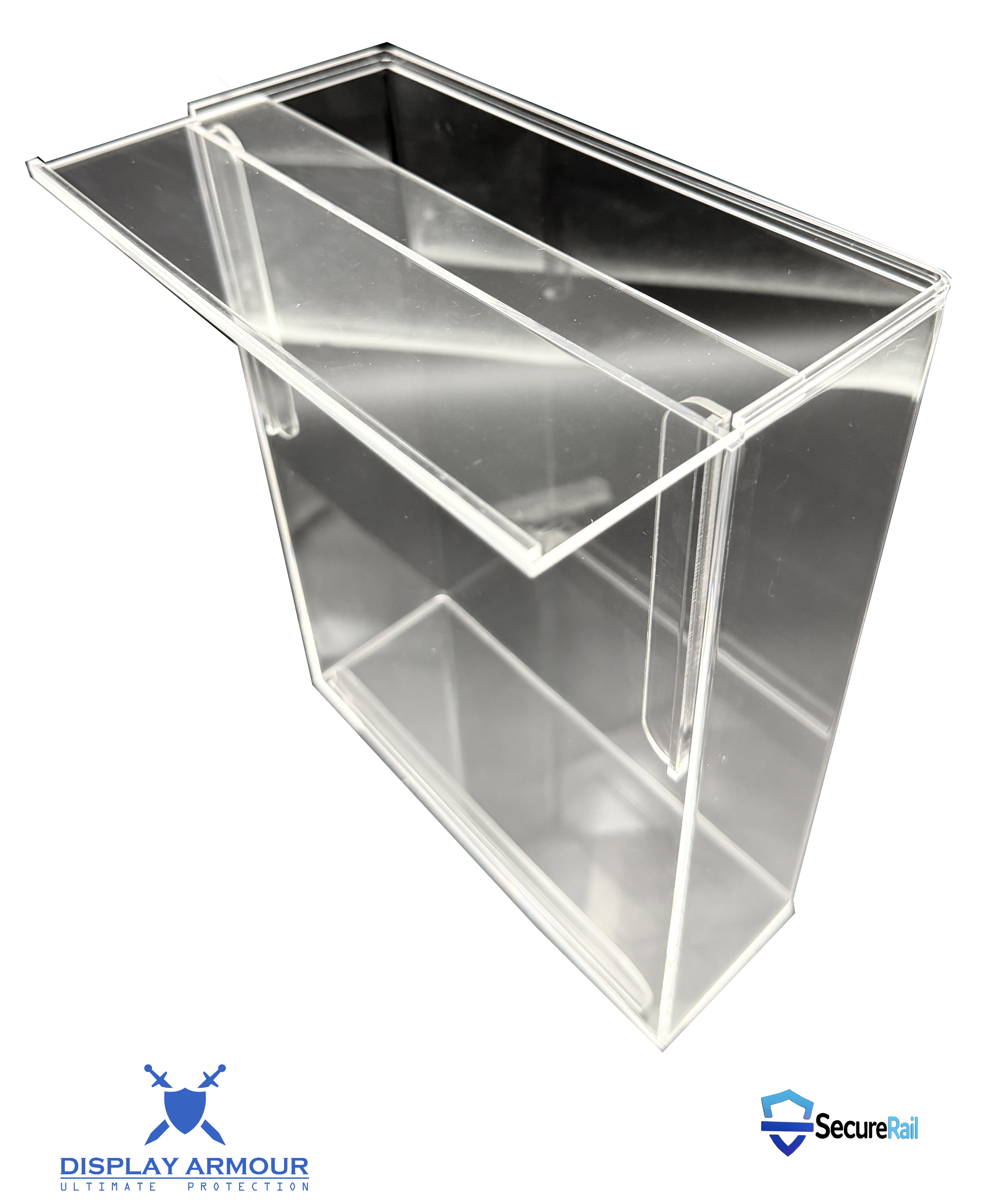
Display Armour MOC cases are designed for controlled access. The GlideLock panel should be removed with smooth, careful movement rather than force. Correct opening helps preserve both the case and your figure inside.

Opening Best Practice

  • Place the case flat or hold it securely before removing the panel.
  • Slide or lift the GlideLock panel carefully as intended for that case design.
  • Do not twist, bend or force the panel if it feels tight.
  • Keep one hand controlling the case while the other handles the opening movement.

Fast rule: Smooth and controlled is always better than quick and forceful.

Why This Matters

  • It reduces accidental slipping during setup.
  • It helps protect the edges and fit of the panel over time.
  • It avoids unnecessary movement around the figure and bubble.
  • It keeps the setup process cleaner and more collector-safe.

Display mindset: Treat the case like part of the collectible experience, not just packaging.

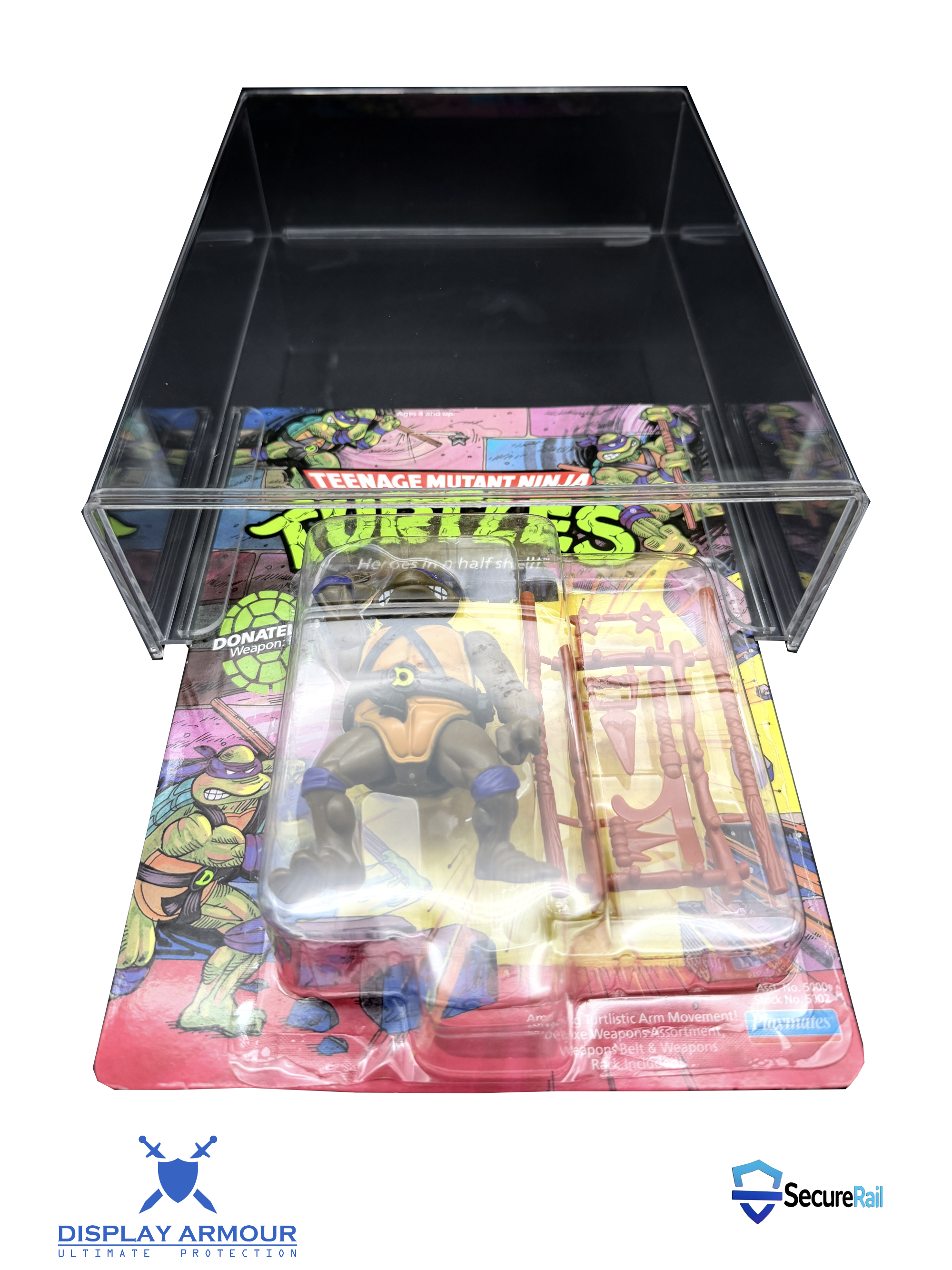
Display Armour case open with GlideLock panel removed ready for figure insertion

Open the case with smooth, controlled movement so the panel and case edges stay clean and aligned.

How to Insert Your Carded Figure

This is the most important part of setup. The figure should be inserted carefully, with attention paid to the card edges, bubble clearance and overall alignment. The aim is a clean, centred display without unnecessary contact or pressure.

Insertion Checklist

  • Hold the card by the edges, not the blister or artwork surface.
  • Guide the figure into the case gently and evenly.
  • Do not force the bubble past the opening or press on the card front.
  • Check the card is sitting straight and supported inside the case.

Collector tip: Let the case do the protecting — the less you handle the raw figure, the better.

Carded action figure being inserted into a Display Armour acrylic case

Guide the card into the case carefully and evenly, keeping the figure straight as it enters.

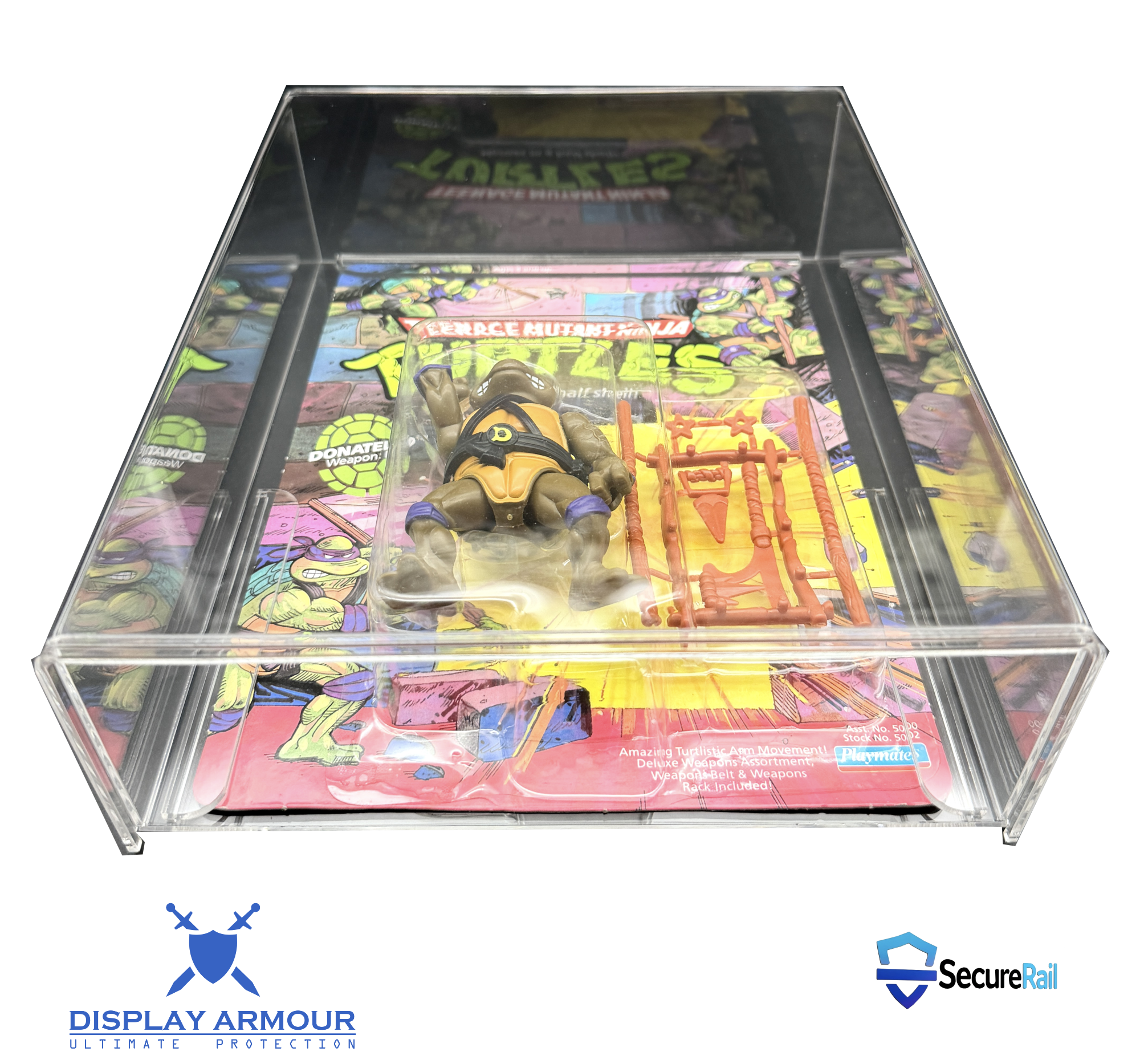
Figure Fully Seated Before Closing

Before replacing the panel, make sure the figure is fully seated and sitting correctly inside the case. This is the fit-check stage — the point where you confirm alignment, support and clearance before closing everything up.

Carded figure fully seated inside a Display Armour case before closing

With the figure fully seated, check that the card is straight, supported and ready for closing.

Final Fit Check

  • Make sure the card is sitting straight and evenly inside the case.
  • Check the bubble has proper clearance and is not under pressure.
  • Confirm the figure looks centred before replacing the panel.
  • If anything looks off, adjust now before moving to the closing step.

Confidence step: This is where you confirm the fit is clean before creating the final display-ready result.

How to Close and Secure the Case

Once the figure is seated correctly, the final step is to return the panel into place cleanly and securely. This is what creates the finished Display Armour presentation — protected, aligned and display-ready.

Closing Best Practice

  • Ensure the figure is properly aligned before replacing the panel.
  • Guide the panel back smoothly without scraping the case edges.
  • Check the panel is fully seated and flush.
  • Make sure the case feels stable before standing it upright.

Result: A secure, dust-resistant and display-ready enclosure.

What to Avoid

  • Forcing the panel closed if the figure is misaligned.
  • Pressing against the bubble while closing the case.
  • Sliding the panel in at an angle.
  • Rushing the final fit check before display.

Rule: If something feels wrong, stop and recheck the figure alignment first.

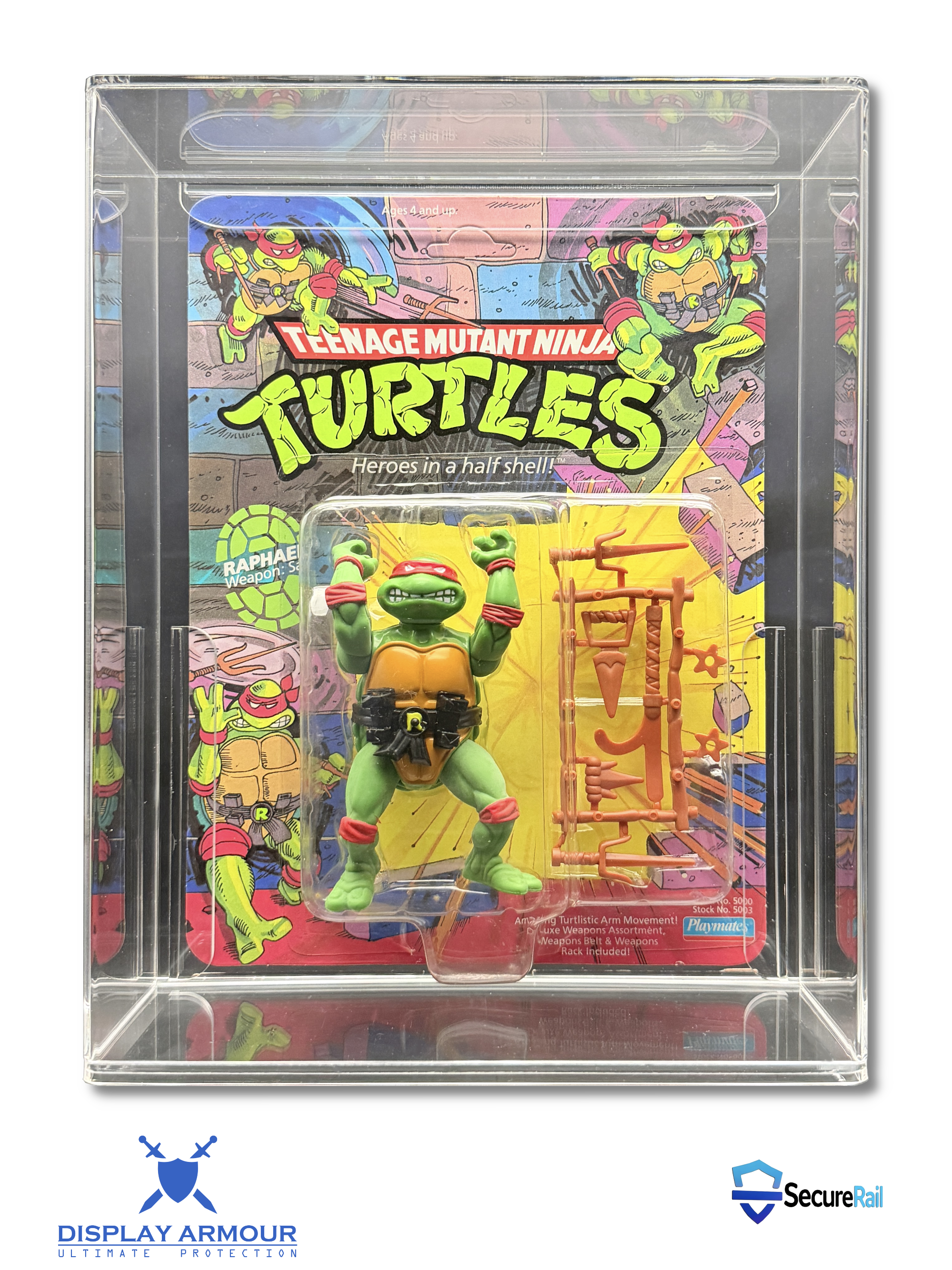
Display Armour case closed and secured with carded action figure inside

Once the panel is back in place and fully flush, the case is secure, aligned and display-ready.

How to Display Your Case Properly

A great case deserves a great display setup. Once your figure is sealed inside, the focus shifts to where and how the case is positioned. Correct display helps reduce knocks, leaning, light exposure and long-term shelf wear.

Display Best Practice

  • Stand the case upright on a flat, stable shelf.
  • Keep enough spacing between cases to avoid clashing or rubbing.
  • Avoid placing cases where they can be knocked in high-traffic areas.
  • Use low-UV lighting where possible for display rooms or shelving.

Where Not to Display

  • By sunny windows or conservatories.
  • Near radiators or direct heat sources.
  • On unstable shelves or ledges.
  • In damp, dusty or fluctuating storage spaces.
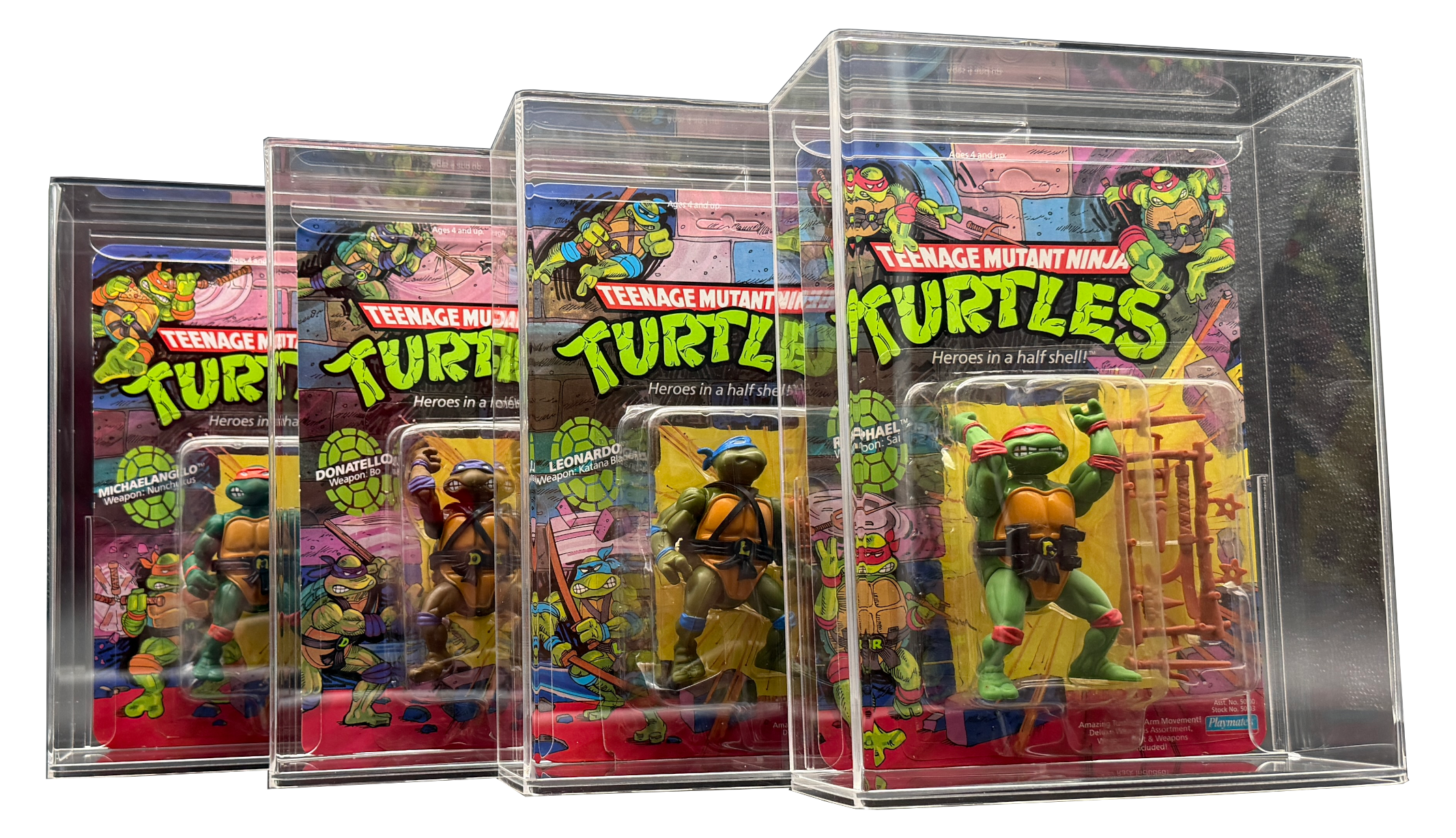
Display Armour cases displayed upright on a collector shelf

For the best long-term result, display your cases upright on a stable shelf with good spacing and sensible lighting.

Long-Term Care & Protection Tips

Once your figure is cased, your job becomes much easier — but long-term preservation still depends on display discipline. Display Armour cases help reduce risk, but collectors still get the best results when they combine premium protection with sensible storage habits.

Protect Against UV & Fade

  • Keep cases out of direct sunlight wherever possible.
  • Use lower-UV room lighting for long-term display areas.
  • Remember that light damage builds gradually over time.

Reduce Handling

  • Handle the case rather than the raw card or bubble.
  • Clean the acrylic outer surface with a microfibre cloth only.
  • Avoid repeated opening unless necessary.

Maintain Display Standards

  • Check shelves occasionally for leaning or movement.
  • Keep cases free from dust build-up on open shelving.
  • Rotate or reposition displays if one area gets more light exposure.

Think Long-Term

  • Condition preservation matters for both enjoyment and future value.
  • A properly cased figure is easier to store, display and ship safely.
  • Collector-grade setup is about consistency, not shortcuts.
Simple rule: If the figure matters to you, case it properly, display it carefully and keep it out of harsh light.

FAQs

How do I know if my figure is sitting correctly inside the case?
The card should sit straight, supported and centred, with the bubble protected and not under visible pressure. If anything looks misaligned, reopen the case and adjust carefully.
Can I clean the case after setup?
Yes — use a soft microfibre cloth on the acrylic exterior. Avoid rough cloths, abrasive cleaners or anything that could mark the surface.
Should I keep my Display Armour case away from sunlight?
Yes. Even with UV-resistant acrylic, keeping cases away from direct sunlight is still the best practice for long-term condition preservation.
Can I use this guide for all Display Armour MOC cases?
Yes — the setup principles apply across the core Display Armour MOC range, including WWF Hasbro, TMNT, Star Wars and other carded figure case lines.